
If you’ve tried to apply for Google AdSense with a Blogger website connected to a custom domain, you might have seen a frustrating error message:
“Only top-level domains can be applied.”
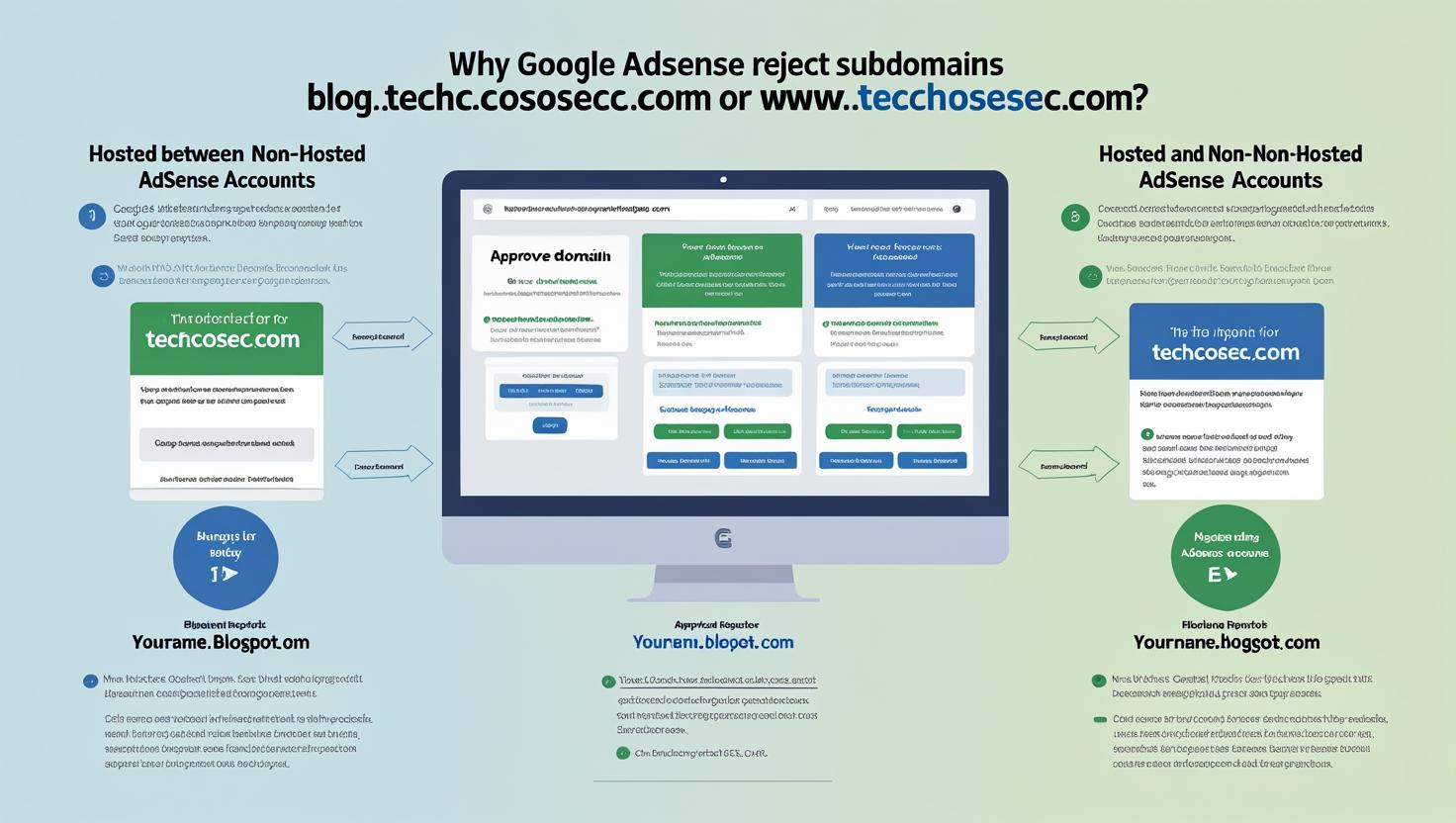
This often happens when you try to use a subdomain such as blog.techcosec.com or even www.techcosec.com. But why does this happen — and how can you get AdSense approval for your Blogger site?
Let’s break it down.
Hosted vs Non-Hosted AdSense Accounts
There are two types of AdSense accounts, and this difference is the key to solving the problem.
1. Hosted AdSense Accounts
-
Created through Blogger or YouTube.
-
Approval is granted for a platform-provided domain, such as:
-
yourname.blogspot.com -
youtube.com/channel/...
-
-
Ads can only run on those hosted platforms unless you upgrade later.
2. Non-Hosted AdSense Accounts
-
Approval is granted for a custom domain, such as:
-
techcosec.com -
www.techcosec.com
-
-
Requires a stricter review: you must insert AdSense code manually and have enough original, policy-compliant content.
-
Once approved, ads can run on any subdomain of that root domain.
Why Your Blogger Custom Domain Is Rejected
-
blog.techcosec.com→ ❌ Not allowed because subdomains cannot be used for AdSense application. -
www.techcosec.com→ ❌ Also not allowed during the first application, because AdSense requires a non-hosted account for custom domains.
This is why you keep seeing the rejection message.
How to Get AdSense Approval the Right Way
You have two paths depending on your situation:
Option A – Start With Blogger’s Free Domain
-
Create your site on
yourname.blogspot.com. -
Apply for AdSense directly from Blogger.
-
Once approved, you’ll have a hosted AdSense account.
-
Upgrade the account inside AdSense → Add your custom domain (
techcosec.com). -
Now you can show ads on both
www.techcosec.comand the root domain (if redirected).
Option B – Apply Directly With Your Custom Domain
-
Set your blog’s custom domain as
www.techcosec.com. -
Add original content, navigation, About/Contact/Privacy pages, etc.
-
Sign up for AdSense directly at adsense.google.com.
-
Insert the HTML AdSense code into your Blogger template.
-
Wait for manual review. If approved, you’ll have a non-hosted account right away.
Best Practice
For most beginners, Option A (start with Blogspot, then upgrade) is the smoother route, because Blogger auto-integration makes the first approval easier.
But if you already have a strong, content-rich blog on a custom domain, Option B saves time — provided your site meets Google’s stricter requirements.
Final Word
So, to answer the big question:
-
❌ No, you cannot apply for AdSense directly with
blog.domain.comorwww.domain.comduring your first application. -
✅ Yes, once you either:
-
Get approved via Blogger’s free domain and upgrade, OR
-
Apply directly with your custom domain through a non-hosted AdSense account.
-
The key is understanding the difference between hosted vs non-hosted AdSense accounts — once you know which path you’re on, getting your Blogger site approved becomes much easier.