
Developers who learn both Django and WordPress often notice that the two platforms organize functionality differently.
- Django uses Projects and Apps
- WordPress uses Core, Themes, and Plugins
Although the terminology differs, the purpose is somewhat similar.
1. Django Project vs WordPress Installation

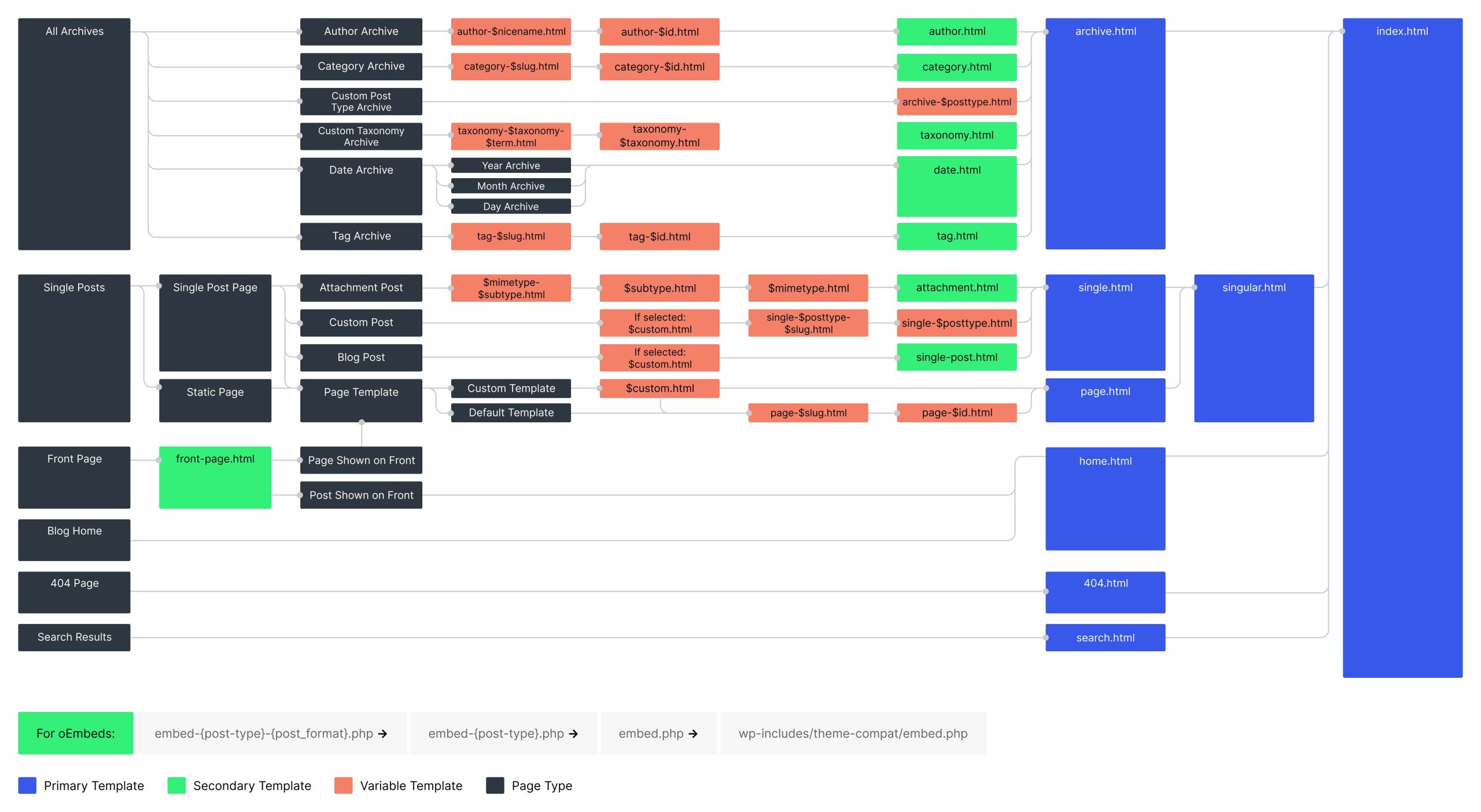

The closest equivalent of a Django Project in WordPress is a WordPress installation (the entire website).
When you install WordPress, you get a full site structure like:
wordpress/
   wp-admin/
   wp-content/
   wp-includes/
   wp-config.php
This installation manages:
- Database connection
- Core system functionality
- Site configuration
- Installed plugins
- Installed themes
So conceptually:
| Django | WordPress |
|---|---|
| Project | WordPress installation |
Both represent the entire website application.
2. Django Apps vs WordPress Plugins
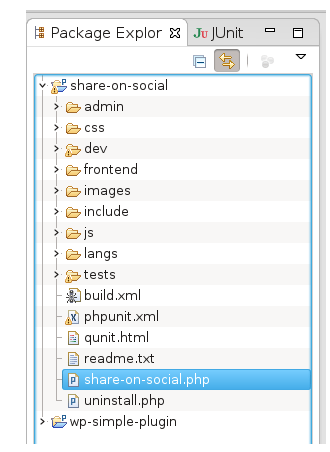
The closest equivalent of a Django App in WordPress is a Plugin.
A plugin adds a specific functionality to a WordPress site.
Examples:
- Contact form
- SEO tools
- Membership systems
- E-commerce
For example:
- WooCommerce → adds an entire e-commerce system
- Yoast SEO → adds SEO optimization features
Similarly, in Django an app might handle:
- Blog system
- Authentication
- Payments
- Forums
So conceptually:
| Django | WordPress |
|---|---|
| App | Plugin |
Both are modules that extend functionality.
3. Django Templates vs WordPress Themes

In Django, the user interface is built using templates.
In WordPress, the equivalent concept is a Theme.
Themes control:
- Layout
- Visual design
- Page templates
- Styling
For example:
- Astra
- GeneratePress
Themes define how the website looks, while plugins define what the website does.
4. Complete Conceptual Mapping
| Django Concept | WordPress Equivalent | Purpose |
|---|---|---|
| Project | WordPress installation | Entire website |
| App | Plugin | Feature module |
| Templates | Theme | Website design |
| Models | Database tables | Data structure |
| Views | PHP logic | Application behavior |
5. Key Architectural Difference
The biggest difference is who the platform is designed for.
Django
- Framework for developers
- Requires coding
- Highly customizable architecture
WordPress
- CMS for content creators and businesses
- Functionality added using plugins
- Development optional
6. Example Comparison
Suppose you want to build an online learning platform.
In Django
Project:
learning_platform/
Apps:
users/
courses/
payments/
forum/
In WordPress
Website installation:
wordpress site
Plugins:
- LMS plugin
- Membership plugin
- Payment plugin
- Forum plugin
Example LMS plugin:
- LearnDash
Final Takeaway
There is no perfect one-to-one mapping, but the closest conceptual comparison is:
| Django | WordPress |
|---|---|
| Project | WordPress site installation |
| App | Plugin |
| Templates | Theme |
Understanding this comparison helps developers move easily between framework-based development (Django) and CMS-based development (WordPress).
Community Discussions (Reddit)
Django
WordPress
Discover more from Webnzee
Subscribe to get the latest posts sent to your email.

Leave a Reply