
Forms are one of the most important features of modern websites. They power contact pages, registrations, surveys, feedback systems, and lead generation.
But the way forms are built in WordPress and Django is fundamentally different.
In this article, we’ll explore three approaches:
- Creating forms in WordPress without plugins
- Using ready-made form plugins like WPForms
- Building forms in Django using its built-in system
By the end, you’ll understand which approach fits your goals best.
1️⃣ Building Forms in WordPress Without Any Plugin


Many people assume WordPress always needs plugins for forms. In reality, you can build forms manually, but it requires writing PHP inside your theme.
🔹 How It Works
When creating forms without plugins, you must:
- Write HTML in theme templates
- Handle submissions using PHP
- Process data via
$_POST - Send emails using
wp_mail() - Secure data manually
Example:
<form method="post">
  <input type="text" name="name" required>
  <input type="email" name="email" required>
  <textarea name="message"></textarea>
  <button type="submit">Send</button>
</form>
Processing in functions.php:
if(isset($_POST['name'])) {
  $name = sanitize_text_field($_POST['name']);
  wp_mail("admin@example.com", "New Message", $name);
}
🔹 What You Must Manage Yourself
When you don’t use a plugin, you are responsible for:
❌ Validation
❌ Security (nonces, CSRF-like protection)
❌ Spam filtering
❌ Database storage
❌ Error messages
❌ User feedback
This makes development:
- More technical
- Less structured
- More error-prone
🔹 Architectural Style
WordPress manual forms are:
- Procedural
- Template-based
- Dependent on global variables
- Not object-oriented
So, WordPress without plugins means:
“Write everything yourself in PHP.”
2️⃣ Creating Forms in WordPress Using Plugins (WPForms and Similar Tools)


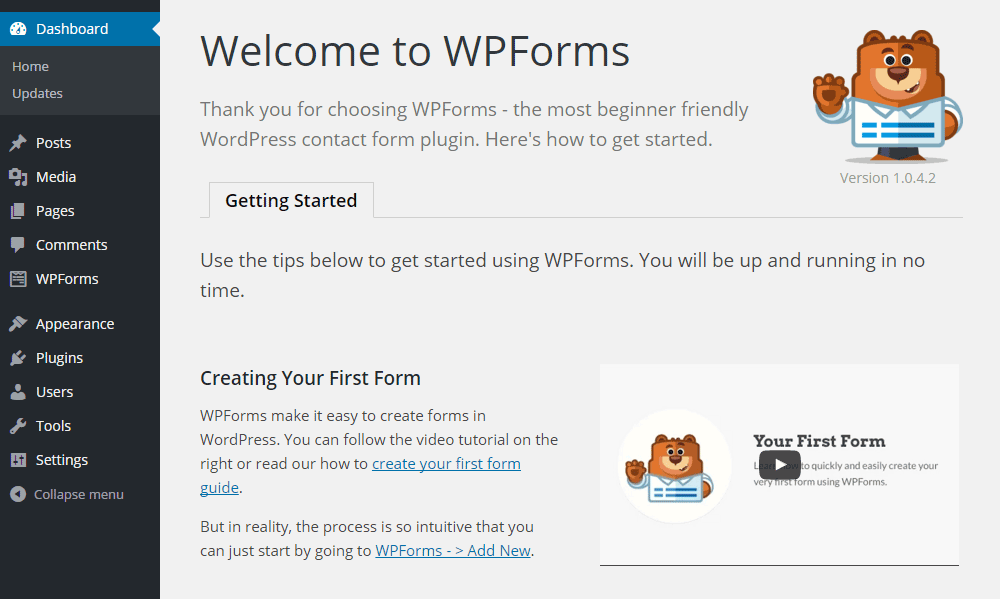


Most WordPress users prefer plugins because they remove technical complexity.
Popular tools like WPForms provide visual form builders.
🔹 How Plugin-Based Forms Work
With WPForms, you simply:
- Install the plugin
- Open the drag-and-drop editor
- Add fields visually
- Configure notifications
- Embed the form
No coding required.
🔹 Features Provided by Plugins
Plugins automatically handle:
✅ Validation
✅ Security
✅ Spam protection
✅ Database storage
✅ Email alerts
✅ Conditional logic
✅ Payment integration
You only configure settings.
🔹 Ready-Made Templates
WPForms includes templates such as:
- Contact forms
- Registration forms
- Surveys
- Newsletter forms
- Feedback forms
You select → customize → publish.
🔹 Development Model
Plugin-based forms are:
- UI-driven
- Configuration-based
- Low-code or no-code
So, WordPress with plugins means:
“Use tools instead of building systems.”
3️⃣ Forms in Django: Framework-Level Integration
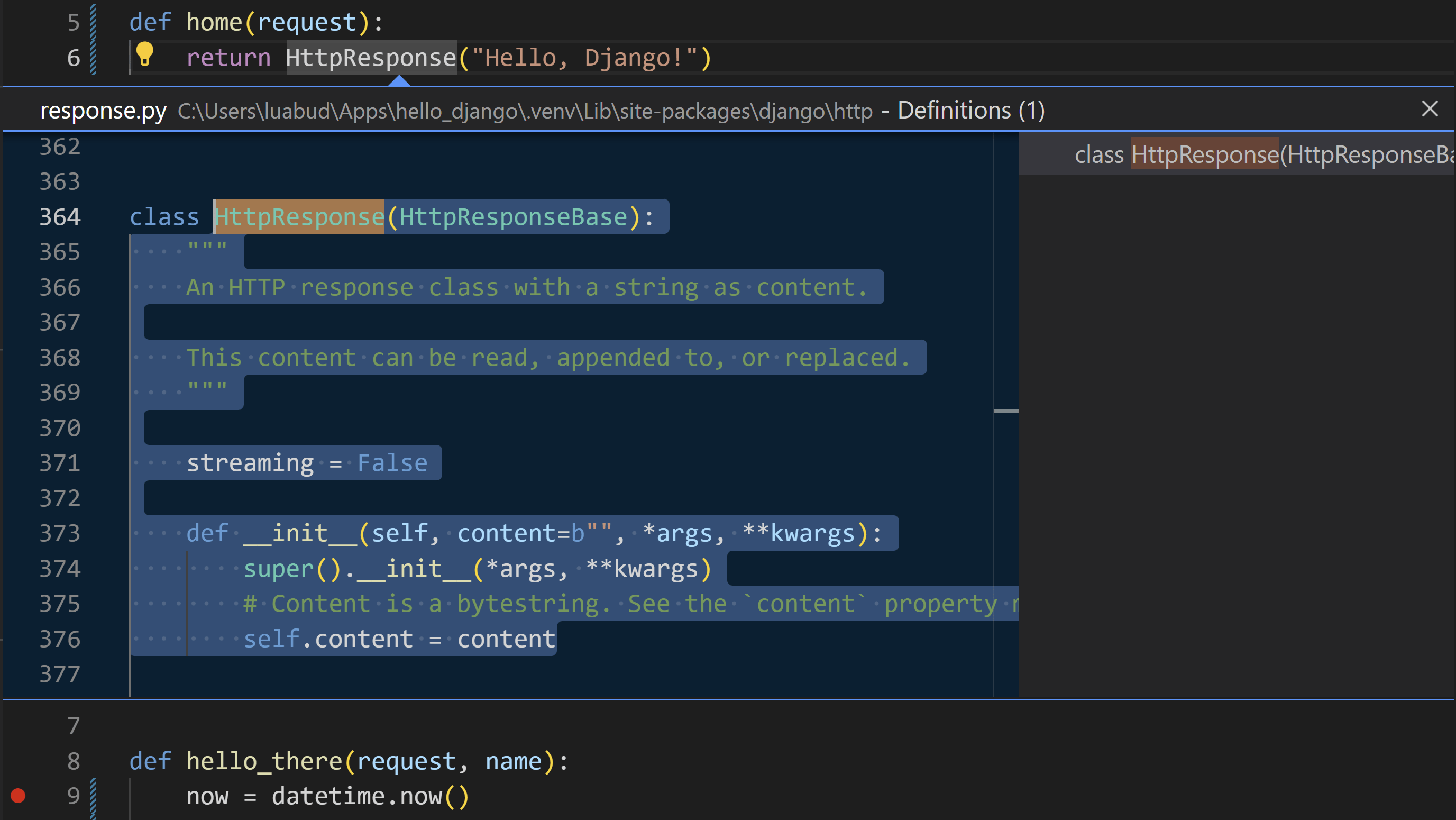

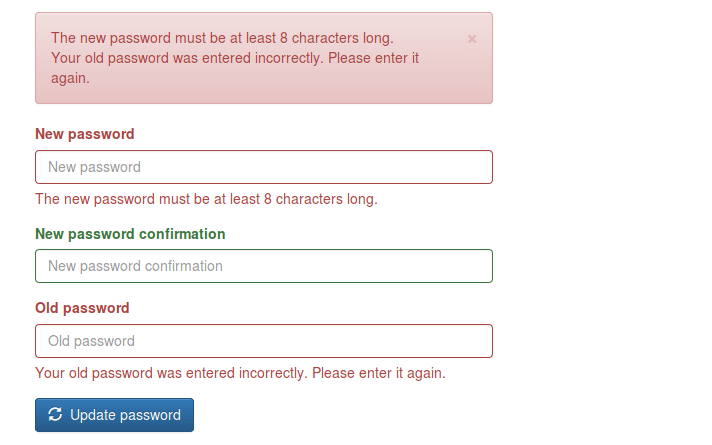

Unlike WordPress, Django treats forms as a core feature of the framework.
Forms are not add-ons. They are part of the system.
🔹 How Django Forms Work
Forms are written as Python classes:
from django import forms

class ContactForm(forms.Form):
    name = forms.CharField(max_length=100)
    email = forms.EmailField()
In views:
if form.is_valid():
    data = form.cleaned_data
In templates:
{{ form.as_p }}
🔹 Built-In Capabilities
Django automatically provides:
✅ Field validation
✅ Type checking
✅ Error handling
✅ CSRF protection
✅ Data cleaning
✅ Model integration
✅ Security
No third-party plugin is required.
🔹 Template Form Features
Django templates allow full customization:
{{ form.name.label }}
{{ form.name }}
{{ form.name.errors }}
You control:
- Layout
- Styling
- Error display
- Accessibility
🔹 Development Model
Django forms are:
- Object-oriented
- Structured
- Scalable
- Framework-integrated
So, Django means:
“Build robust systems using built-in tools.”
📊 Comparison: WordPress vs Django Forms
| Feature | WordPress (No Plugin) | WordPress (Plugin) | Django |
|---|---|---|---|
| Setup | Manual coding | Visual UI | Python classes |
| Validation | Manual | Plugin-managed | Built-in |
| Security | Manual | Plugin-managed | Built-in |
| Database | Manual | Plugin-dependent | ORM-based |
| Flexibility | Medium | Limited | Very High |
| Scalability | Medium | Medium | High |
| Learning Curve | High | Low | Medium–High |
🧠 Philosophical Difference
WordPress Philosophy
Originally built for blogging and content management.
Forms are:
- Optional features
- Implemented via plugins
- Not core architecture
Approach:
“Extend with tools.”
Django Philosophy
Built for application development.
Forms are:
- Core components
- Linked to models
- Linked to validation
- Linked to security
Approach:
“Engineer the system.”
🔁 Real-World Example: Contact Form
In WordPress (Without Plugin)
You must create:
- HTML form
- PHP processor
- Validation logic
- Security system
- Email handler
More freedom, more work.
In WordPress (With WPForms)
You do:
- Install plugin
- Choose template
- Publish
Fast, simple, limited.
In Django
You create:
- Model (optional)
- Form class
- View logic
- Template
More setup, long-term stability.
🚀 When Should You Use Each?
Choose Manual WordPress Forms If:
✔ You want full control in WordPress
✔ You know PHP well
✔ You need lightweight solutions
Choose WPForms If:
✔ You want fast deployment
✔ You run marketing or content sites
✔ You don’t want to code
✔ You need integrations
Choose Django Forms If:
✔ You’re building SaaS platforms
✔ You need complex validation
✔ You manage large datasets
✔ You want scalable systems
📝 Final Summary
| Platform | Form Style | Strength |
|---|---|---|
| WordPress (No Plugin) | Manual PHP | Flexibility |
| WordPress (Plugin) | Visual Builder | Speed |
| Django | Framework-Based | Power & Scalability |
👉 WordPress without plugins = Handcrafted
👉 WordPress with plugins = Tool-based
👉 Django = System-based
📌 Conclusion
Forms reflect the philosophy of each platform:
- WordPress gives you freedom or convenience, depending on plugins.
- Django gives you structure and engineering depth.
If your goal is fast website deployment, WordPress plugins are ideal.
If your goal is building long-term software products, Django forms offer unmatched control.